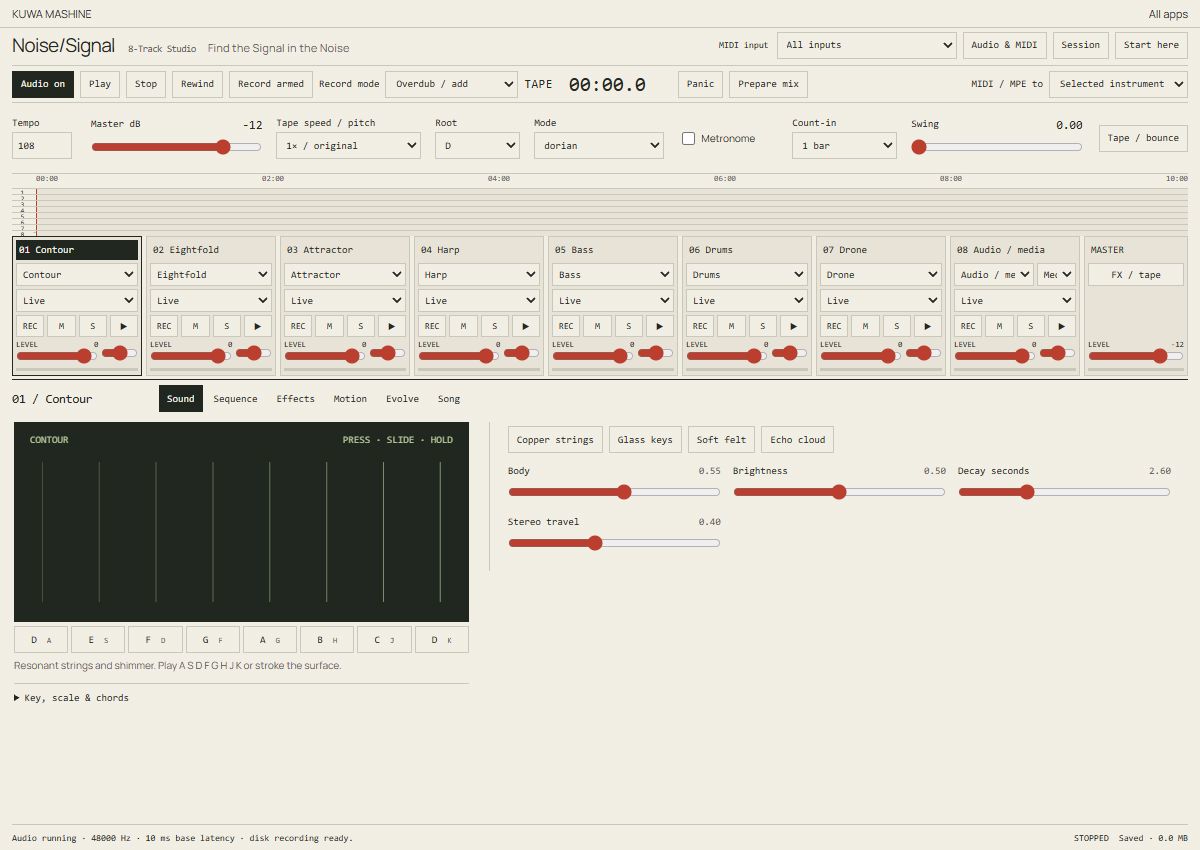
Noise/Signal
An eight-track space for instruments, recording, sequencing and expressive MIDI.
Digital / Apps & play
Small spaces for drawing, painting, making music, working with photographs and taking a leap.
An eight-track space for instruments, recording, sequencing and expressive MIDI.
Find the crop, work the tones and save a recipe. Edit a photograph in your browser.
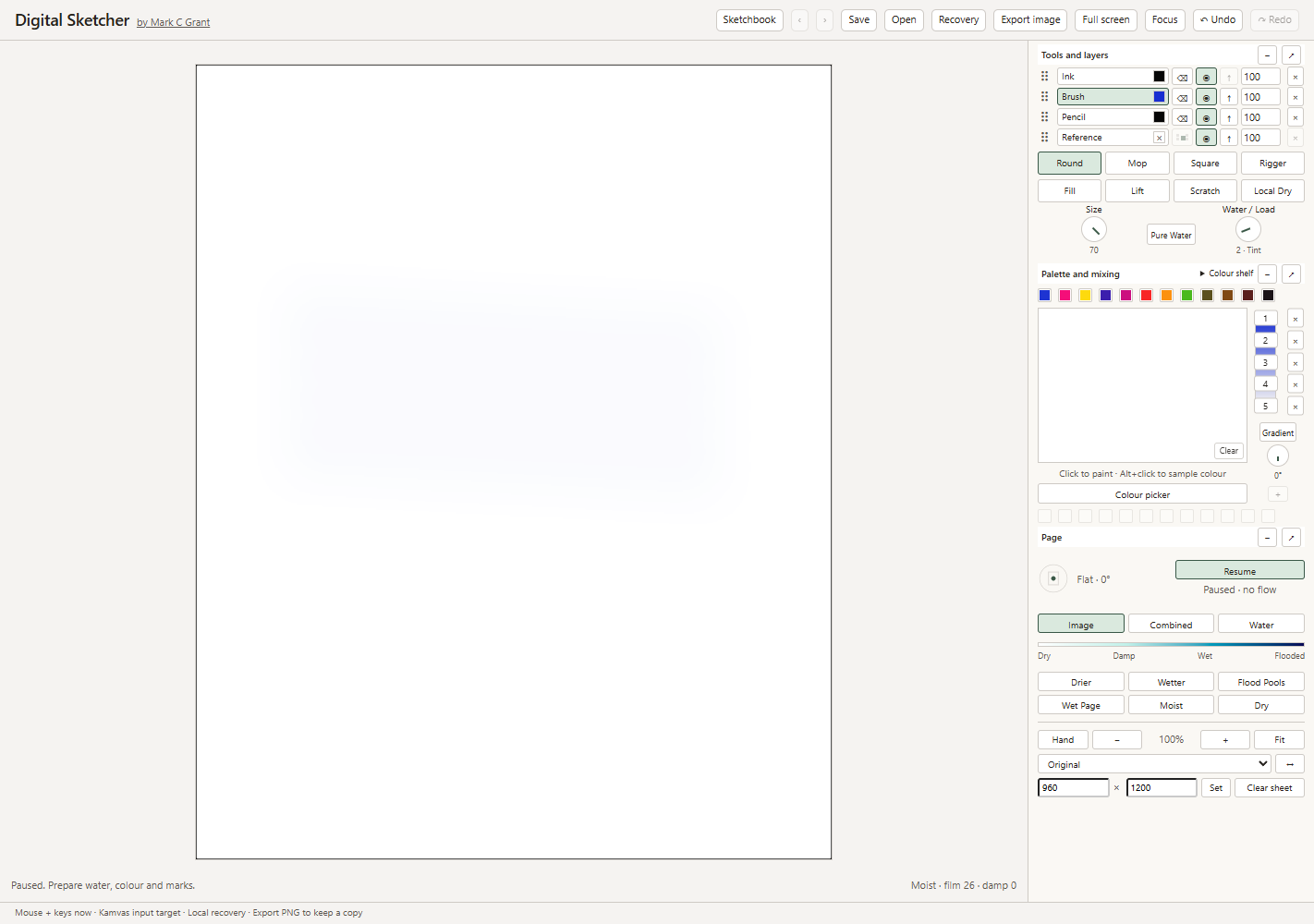
Brush, ink and pencil, with layers, colour mixing and a local sketchbook. Draw with a pen or mouse.
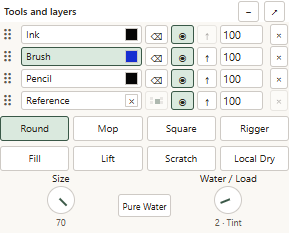
The same painting tools with one-finger drawing enabled. Use two fingers to move and zoom the paper.
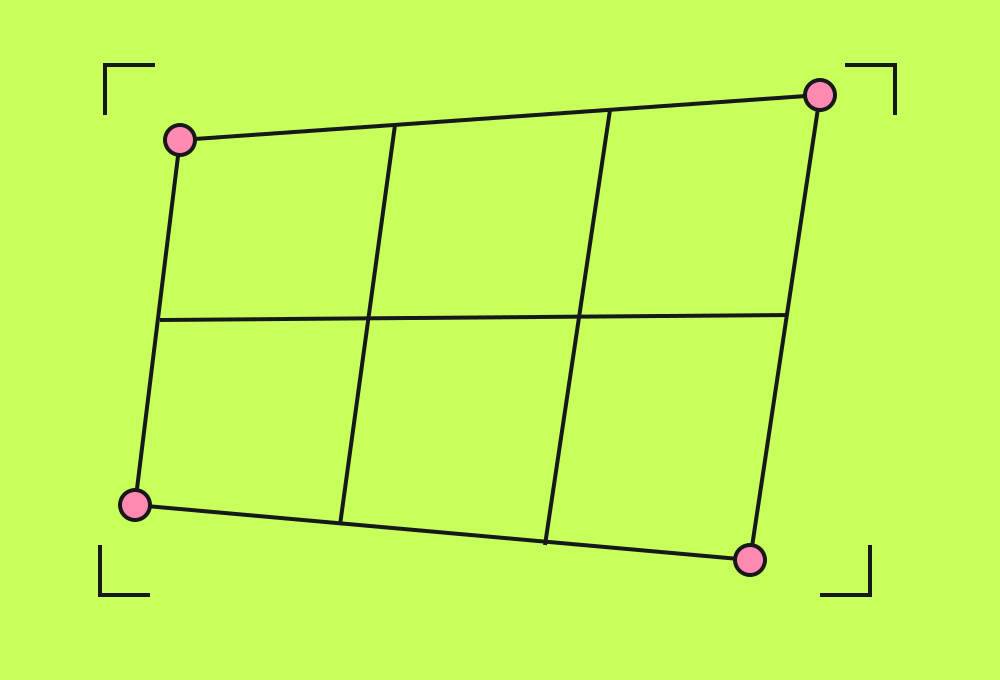
Straighten your artwork camera or image view, line up a reference and capture the process on your device.

Two grapples. No floor. Swing through a crumbling cavern, grab the gold and stay off the bottom.
Digital Sketcher has two editions: stylus and mouse, or finger painting. Both share the same local sketchbook and editable .flowpaint files. Noise/Signal sessions and photo-workbench recipes can also be saved as portable files.
Already using the tools? Import your downloaded session or recipe to continue. Browser recovery copies stay with the device and website where you first saved them.
In development
Digital Sketcher is an evolving painting tool. Material simulation is an approximation, and pen response and touch behaviour depend on the device. The browser apps are available above; separate Windows downloads will be listed when their builds and instructions are ready.
Ask about the tools